Guide to Dayforce Benefits
blog/guide-to-dayforce-benefits | Dayforce Resources
2026-09-02

Employee benefits are one of the most important parts of an organization’s total rewards strategy, but administering them can quickly become complicated.
Eligibility rules, plan options, employee elections, life events, payroll deductions, dependent verification, carrier files, and annual enrollment all have to work together.
Dayforce Benefits brings these processes into a centralized benefits administration experience within the Dayforce platform.
It helps organizations configure benefit plans, determine employee eligibility, manage enrollment events, maintain elections, connect benefits with payroll, and provide employees with self-service tools for managing their benefits.
What Is Dayforce Benefits?
Dayforce Benefits is the benefits administration component of the Dayforce platform.
It allows organizations to configure benefit plans and eligibility rules, present eligible options to employees, manage benefit elections, maintain benefit records, and export election information to benefit carriers.

The platform can also integrate benefits with Dayforce Payroll, allowing organizations to automatically apply benefit-related deductions and earnings to employee pay based on configured payroll mappings
At a high level, Dayforce Benefits connects several processes that are often managed separately:
Benefit plan configuration
Employee eligibility
New hire enrollment
Annual open enrollment
Life event enrollment
Employee self-service
Dependent and beneficiary management
Dependent verification
Payroll deductions and earnings
Carrier data exports
Benefits reporting and analytics
Benefits decision support
Benefits forecasting and what-if analysis
The result is a centralized system for managing the benefits lifecycle from plan configuration through employee enrollment and payroll processing.
Key Features of Dayforce Benefits
1. Centralized Benefits Administration
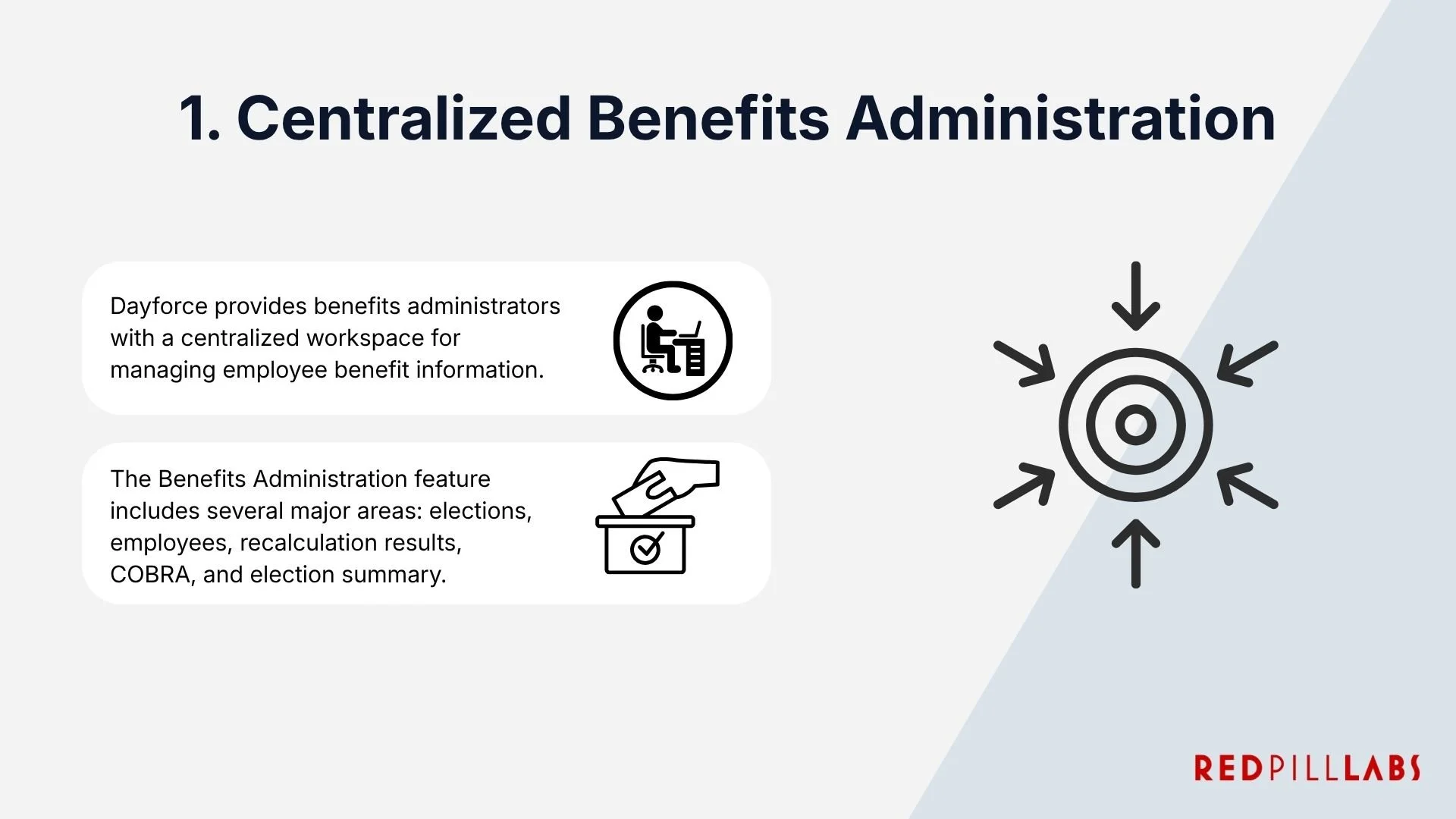
Dayforce provides benefits administrators with a centralized workspace for managing employee benefit information.
The Benefits Administration feature includes several major areas:
Elections: Review current, historical, and future employee benefit elections and export election records.
Employees: Review employee benefit information and run recalculation tasks.
Recalculation Results: Review and manage recalculation transactions.
COBRA: Manage COBRA events for U.S. employees and dependents.
Election Summary: Review enrollment counts and estimated associated costs across benefit plans.
2. Employee Self-Service
One of the most important components of Dayforce Benefits is employee self-service.
Employees can access their benefits information directly through Dayforce, including:
Available benefit enrollments
Current elections
Historical benefits information
Benefit forms
Dependent verification
Benefit summaries
Supporting documentation
The current Dayforce employee experience includes Overview, Current Elections, Forms, History, and Dependent Verification screens, although the exact interface depends on the organization's Dayforce configuration and UI version.
This means employees don't necessarily need to contact HR every time they want to review their coverage or complete a benefits-related task.

3. Guided Benefits Enrollment
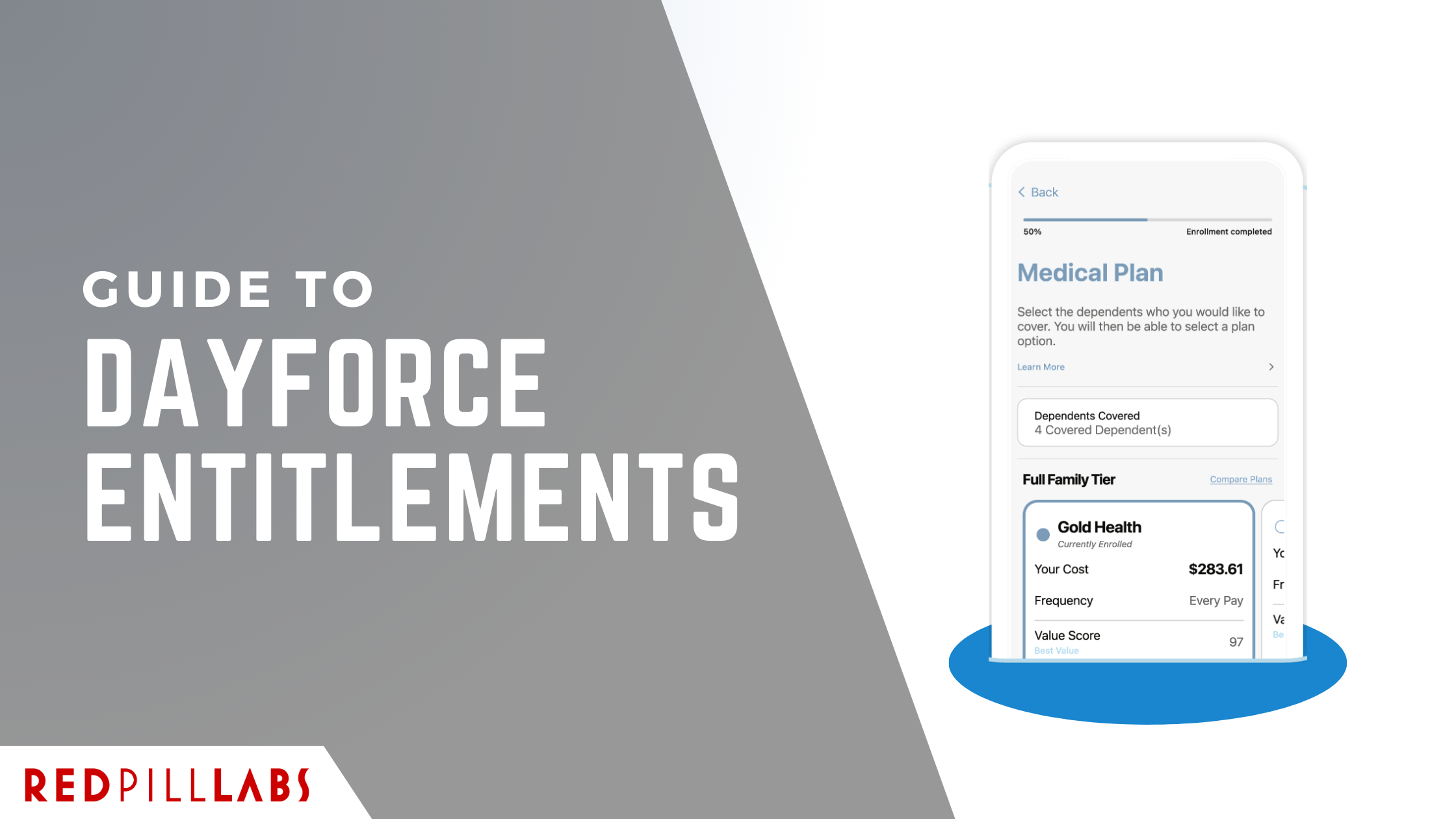
Dayforce provides guided enrollment experiences that walk employees through their available benefit options.
During an enrollment, employees can move through different sections based on the benefits for which they are eligible. Depending on configuration, these can include:
Medical
Dental
Vision
Health reimbursement accounts
Life insurance
AD&D
Disability
Retirement
Reimbursement plans
Other benefit plans
Dayforce can also allow employees to save an enrollment and return to it later rather than requiring them to complete the entire process in one sitting.

4. Open Enrollment
Open Enrollment is one of the most administratively intensive periods of the benefits calendar. Automating the process can help reduce:
Manual enrollment forms
HR data entry
Employee confusion
Missed elections
Incorrect eligibility
Repetitive communications

Dayforce can support the configuration and administration of this process, including:
Enrollment availability dates
Election effective dates
Eligibility rules
Plan options
Communication periods
Employee workflows
Dependent enrollment
Benefit policies
Decision support
Flex credit benefits in Canada
Employees can use Open Enrollment to add or waive benefit options, enroll eligible family members, change coverage levels, and make other eligible changes for the upcoming plan year.
Administrators can configure Open Enrollment so that eligible employees receive the appropriate enrollment based on their eligibility rules.
5. New Hire Benefits Enrollment
Benefits administration doesn't start at annual enrollment. New employees often need access to benefits shortly after joining an organization.
Dayforce can automatically evaluate a new employee's eligibility after the relevant hiring and workflow processes run.
Based on the employee's hire date and configured rules, Dayforce can determine which enrollments should become available.
Organizations can configure New Hire Enrollment to support benefits selection during onboarding or after onboarding, creating an important connections between the employee lifecycle and benefits administration.

6. Life Event Enrollment
Employees don't only make benefits decisions once per year.
Major life events can create opportunities for employees to update their benefits outside of Open Enrollment.
Examples can include:
Marriage
Divorce
Birth or adoption
Changes involving dependents
Other qualifying employment or personal events
Dayforce can create enrollment opportunities based on configured work events and life events. These enrollments can include specific communication periods, effective dates, eligibility rules, and dependent verification requirements.

7. Eligibility Rules and Qualifiers
Benefits are rarely one-size-fits-all.
An organization might offer different benefits based on factors such as:
Employee type
Employment status
Location
Pay group
Pay class
Job
Department
Length of service
Other organizational attributes
Dayforce Benefits uses eligibility qualifiers to determine which plans and options should be available to individual employees.
The Benefits Administration Guide supports both simple and complex eligibility qualifiers, along with tools for testing eligibility.

8. Benefits Decision Support
Choosing a benefits plan can be difficult for employees, particularly when organizations offer multiple medical plans with different premiums, deductibles, coverage levels, and out-of-pocket costs.
Dayforce Benefits can provide Benefits Decision Support to help employees evaluate available medical plans.
The decision support experience can use information provided by employees through a guided quiz to help identify plans that may be a better fit for their circumstances.
Decision support is currently associated with medical plans in the United States and can be incorporated into supported enrollment experiences.

9. Benefits Intelligence
Dayforce provides Benefits Intelligence for US-based organizations, which takes the concept of decision support one step further for benefits administrators.
Benefits Intelligence can analyze how employees are expected to distribute across recommended benefit plans based on Benefits Decision Support results.
Administrators can use this information to:
Analyze expected enrollment
Forecast potential financial impacts
Understand how plan offerings may be distributed
Evaluate potential plan changes
Perform what-if analysis
For example, an organization could evaluate how changing premiums or other plan expenses might affect the forecasted distribution of employees across plans.
This gives benefits teams a way to evaluate plan design decisions using modeled employee behavior rather than relying solely on historical enrollment data.

Important consideration
Benefits Intelligence isn't simply a live dashboard that automatically reflects every configuration change.
Dayforce requires preprocessing of enrollment and rate eligibility data, and administrators may need to rerun the relevant data processing when plans, rates, or decision-support configurations change.
10. Dependent Verification
Dependent eligibility can represent a significant administrative and financial challenge.
Organizations may require employees to provide documentation proving that a dependent qualifies for coverage.
Dayforce supports dependent verification by allowing employees to upload supporting documents directly through the Benefits experience.
Employees can see the status of verification requests, including statuses such as:
Pending
Under Review
Inaccurate/Illegible
Approved
Expired
Denied
Administrators can review uploaded documentation and approve, deny, or mark documents as inaccurate or illegible based on their permissions.

11. Benefits and Payroll Integration
Benefits administration and payroll are closely connected.
When an employee elects a benefit, the organization may need to deduct the employee's contribution from their pay. Employer contributions or other benefit-related amounts may also need to flow into payroll.
Dayforce Benefits can integrate with Dayforce Payroll through configured payroll mappings.
These mappings can associate benefit rates and amounts with payroll earnings and deduction codes, allowing benefit-related amounts to be incorporated into payroll processing.

This integration can help reduce the risk of discrepancies between:
Employee benefits elections → Benefit costs → Payroll deductions → Payroll records
12. Benefits Data Exports and Carrier Integration
Benefits administration doesn't stop once an employee submits an election.
The elected information may need to be sent to insurance carriers and other benefit providers.
Dayforce maintains benefit election records that can be exported and sent to plan carriers. Its Benefits Administration Guide includes functionality for:
Benefits data exports
XML/834 exports
Ongoing exports
Open Enrollment exports
COBRA and initial notice exports
Multi-carrier exports

An important limitation
Dayforce Benefits is an administration and enrollment platform.
It does not itself manage interactions such as submitting employee insurance claims to carriers.
Those functions, where available, are provided by the relevant plan carriers.
13. Flex Credit Benefits
For Canadian organizations, Dayforce supports Flex Credit Benefits for supported mobile and web enrollment experiences.
Flex credits are amounts provided by an employer that employees can use toward eligible benefit elections.
Organizations can configure:
Flex credit plans
Credit tiers
Eligibility rules
Benefit plans eligible for credits
Flex credit allocation
Payroll mapping
Credit application order
Remaining credit allocations

For example, an organization could provide employees with a defined annual flex credit amount and allow them to allocate that amount across eligible benefits.
The amount can also vary depending on configured tiers and, in certain configurations, an employee's eligible dependents.
During enrollment, employees can see the available flex credit amount and how their selections affect the amount being used.
14. Benefits Forms and Employee Information
Benefits administration often requires employees to provide or update information beyond simply selecting a plan.
Dayforce supports benefits-related workflow forms that employees can view, edit, submit, and print.
Examples include forms related to:
Address information
Dependent information
Name changes
Marital status
Other HR information
Because these forms can connect with Dayforce's broader HR workflows, benefits-related changes can become part of standardized employee processes rather than relying on disconnected paper forms or email requests.

15. Benefits History and Current Elections
Employees and administrators may need to understand not only what an employee currently has, but also what they previously elected.
Dayforce provides access to current and historical benefits information.
Employees can review their current elections and benefit history, while administrators can view current, historical, and future election records depending on their access.
This can be useful when investigating questions such as:
When did an employee make this election?
What coverage did they have previously?
What benefits did they select during Open Enrollment?
What is scheduled to become effective?
What changed after a life event?

16. Automated Recalculation
Benefits information can change when employee information, eligibility rules, plans, rates, or other configuration changes.
Dayforce includes recalculation capabilities that allow benefits administrators to update rates, coverage amounts, and payroll elections when relevant employee or plan data changes.
Administrators can review recalculation results and, depending on the configuration, approve, commit, unapprove, or discard transactions.

17. COBRA Administration
For U.S. organizations, Dayforce Benefits also includes COBRA-related functionality.
The Benefits Administration area includes a COBRA tab where administrators can manage COBRA events involving employees and their covered dependents, with information available for COBRA exports.
COBRA functionality is specifically identified as U.S.-only within Dayforce's documentation.
Organizations operating across both Canada and the United States should therefore account for differences in benefits administration requirements and available functionality by country.

Dayforce Benefits Mobile Experience
Dayforce can support benefits enrollment through its mobile application when the organization configures supported Mobile and Web enrollment types.
Employees can complete supported enrollment processes through the Dayforce mobile app, including reviewing and selecting benefit options.
Dayforce notes that benefits enrollment isn't supported through mobile web browsers, so employees using mobile devices should use the Dayforce mobile application for supported mobile enrollment experiences.

Need Help With Dayforce Benefits?
Implementing or optimizing Dayforce Benefits requires more than configuring plans and publishing an enrollment.
Eligibility logic, payroll integration, carrier exports, employee workflows, and plan configuration all need to work together.
Red Pill Labs can help organizations evaluate, implement, optimize, and support their Dayforce environment, including benefits administration and the broader Dayforce ecosystem.
Learn more about our Dayforce Benefits Administrator services.
Official Dayforce Resources
For the latest product and configuration information, please refer to the current Dayforce documentation: