
We help current and potential Dayforce customers get the most out of Dayforce HCM.



Dayforce HCM
Find the Insights You Need
Browse by Module
Core HR
Artificial Intelligence (AI) is transforming Human Resource Management (HRM) and HR Information Systems (HRIS). From smarter recruitment tools to predictive analytics for employee retention, AI is no longer a “nice-to-have” — it’s becoming a core capability in modern HR platforms. But the true value of AI depends on more than just algorithms. Success requires HR leaders to choose the right HR software, ensure strong data management practices, and prepare their organizations for AI adoption. Companies that prioritize sound HRIS foundations and AI readiness today will be the ones able to deliver more personalized employee experiences, stronger talent strategies, and better business outcomes tomorrow.

Unlocking the full power of Dayforce People Analytics isn't just about running reports—it's about making smarter, faster business decisions. When properly configured and embedded into daily operations, it gives leaders real-time visibility into workforce trends, risks, and opportunities. In this guide, we’ll show you how to use Dayforce People Analytics to move from passive data collection to active, strategic decision-making.

Key Information in This Article Includes:
Dayforce Classic Home Sunset Date
What is Dayforce Experience Hub
Key Features of Advanced Experience Hub
Key Functionalities Across Dayforce Modules
Dayforce Co-Pilot Requirement
Get Ready for Dayforce Hub
Talent
A successful Dayforce Talent implementation goes beyond simply turning on modules. From Performance and Learning to Succession, Compensation, and Career Explorer, discover the common implementation gaps that can limit adoption and long-term value. This guide breaks down what organizations should consider to build a connected Talent ecosystem that delivers value across the entire employee lifecycle.
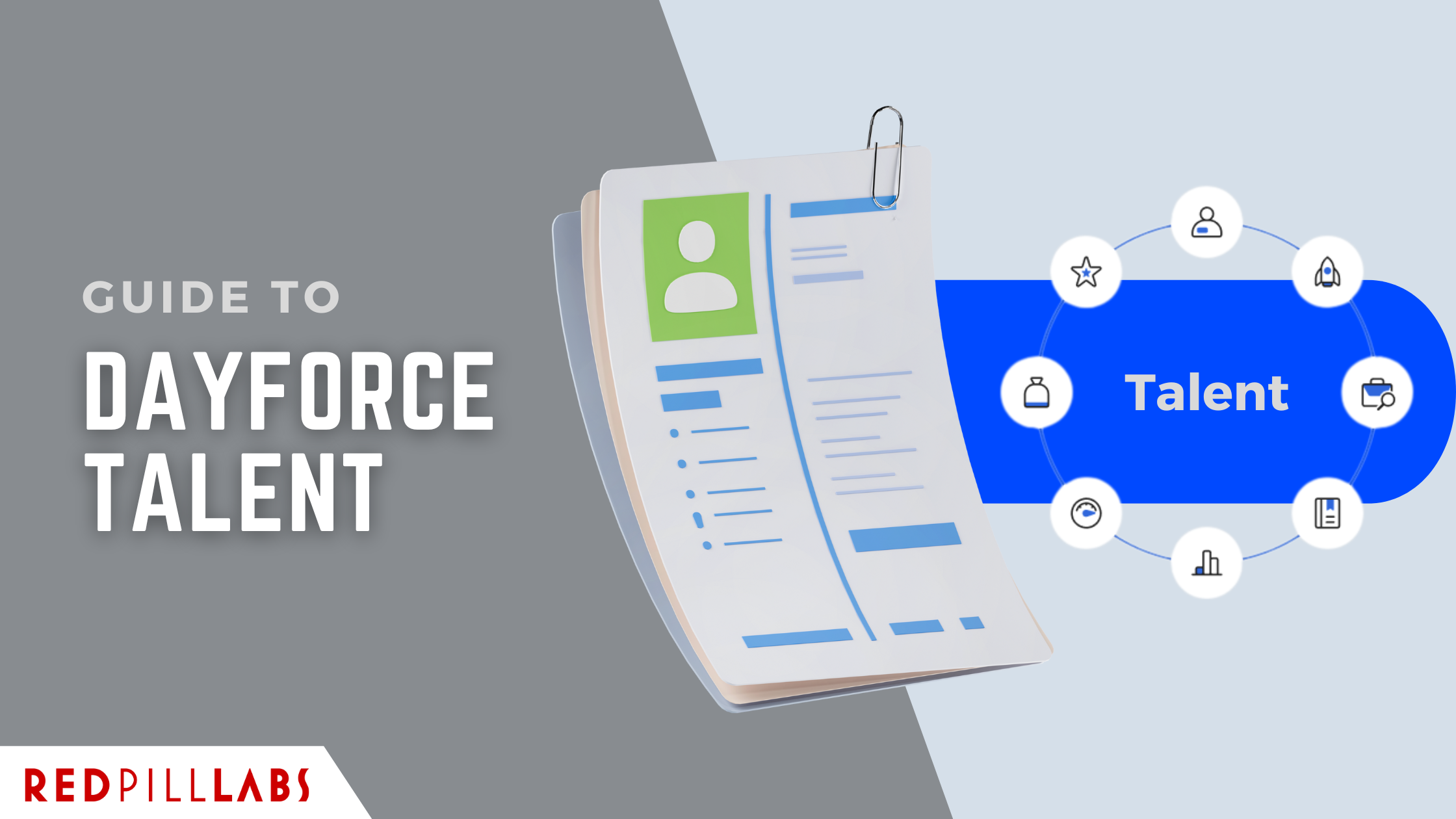
Dayforce Talent can be one of the most powerful parts of your HCM stack, or one of the most underused. This guide breaks down what the Dayforce Talent module actually does, where organizations commonly struggle, and how to unlock real value beyond basic configuration. If recruiting, performance, or development feels harder than it should, this is a good place to start.

Struggling to keep track of open roles, workforce planning, and compliance? Dayforce Position Management is a feature within Dayforce HCM that helps organizations structure, track, and manage job positions separately from individual employees, improving workforce planning, budgeting, and compliance. Learn how this powerful feature can improve workforce strategy and make managing positions easier than ever.

Browse by Feature
Integration Studio

Explore six practical ways to leverage Dayforce Integration Studio to streamline operations, reduce manual tasks, and improve data accuracy across systems. Discover how organizations use these capabilities to enhance efficiency and build smarter, more connected workflows.

Looking to streamline your Dayforce integrations without deep coding knowledge? This guide to Dayforce Integration Studio covers the value of Integration Studio and best practices.
Dayforce Reporting & People Analytics
Struggling to get the reports you need out of Dayforce? Whether you're trying to pull simple data or build powerful custom analytics, this guide breaks down exactly what types of reports are available—and how to use them effectively. Plus, learn when it's time to call in expert support for more complex reporting needs.
Unlocking the full power of Dayforce People Analytics isn't just about running reports—it's about making smarter, faster business decisions. When properly configured and embedded into daily operations, it gives leaders real-time visibility into workforce trends, risks, and opportunities. In this guide, we’ll show you how to use Dayforce People Analytics to move from passive data collection to active, strategic decision-making.
AI Assistant / Co-Pilot

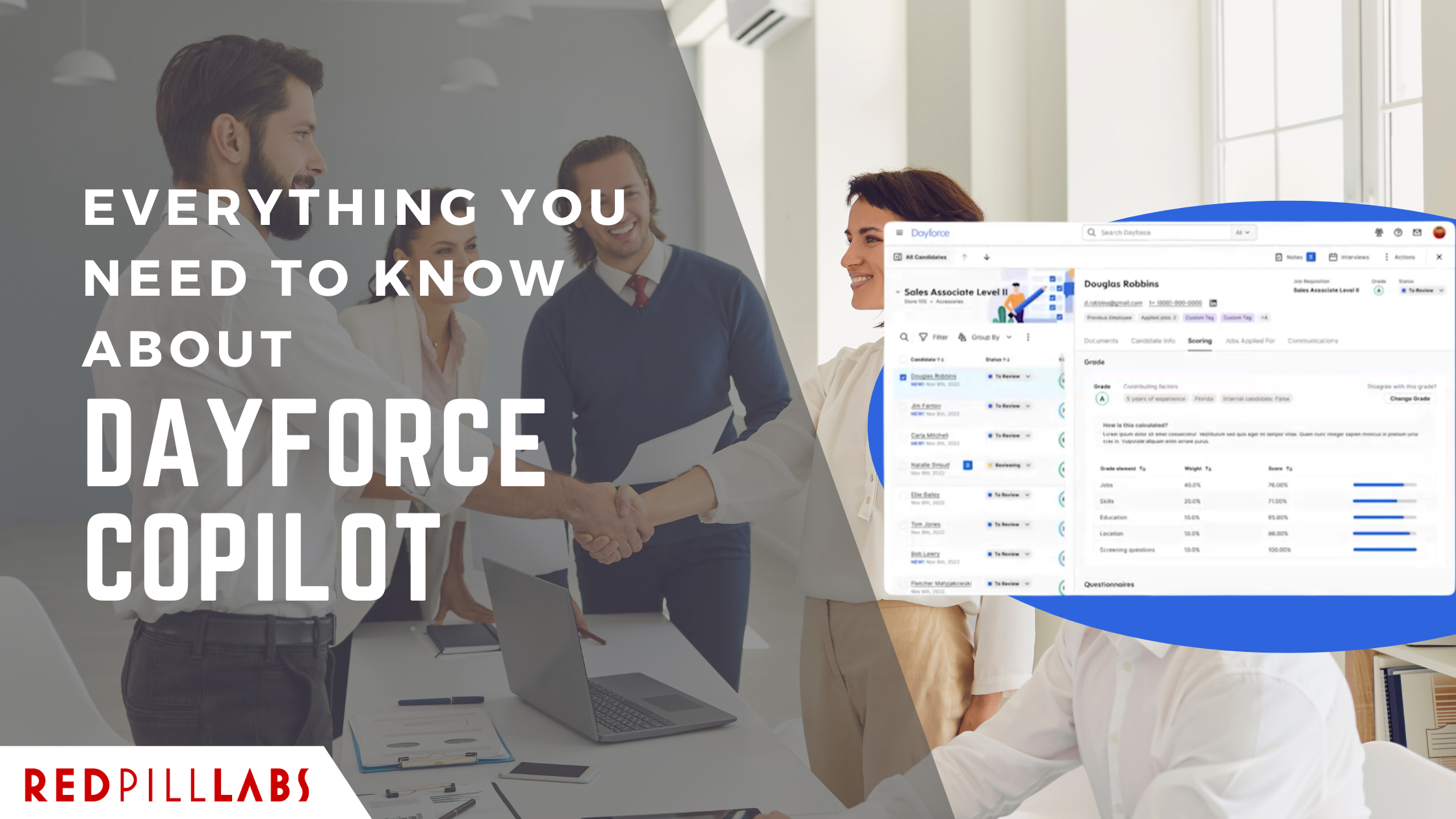
Dayforce Co-Pilot is evolving — not just with new features, but with a shift in how users interact with the platform. These updates aim to reduce manual work, provide real-time guidance, and make everyday tasks feel less like troubleshooting. In this article, we break down what’s changing, what it actually means for users, and where the improvements will be most noticeable.
Key Information in This Article Includes:
What is Dayforce Copilot
Key Capabilities of Dayforce Copilot
Setting Up Dayforce Copilot
Ensuring Proper Setup and Maintenance
Actionable Steps for Businesses
General
Dayforce has officially set a date for the retirement of the Dayforce Home feature.
All organizations not yet on Hub, need to promptly review readiness for the upcoming transition.

As the 2025 U.S. tax bill reshapes payroll compliance, many organizations are realizing that even small configuration gaps can cause big downstream errors. From reconfiguring tax-withholding logic and overtime exclusions to verifying complex pay-code eligibility across tipped and multi-state employees, every adjustment matters. Staying compliant — and audit-ready — will depend on how effectively your Dayforce setup adapts to these new federal changes.

Maintaining your Dayforce environment isn’t just about keeping the lights on—it’s about making sure your system evolves with your business. From smarter permissions to better data hygiene and continuous training, small changes can lead to major gains. These 6 tips will help you avoid costly mistakes, streamline operations, and get the most out of your investment.
Workforce Management (WFM)
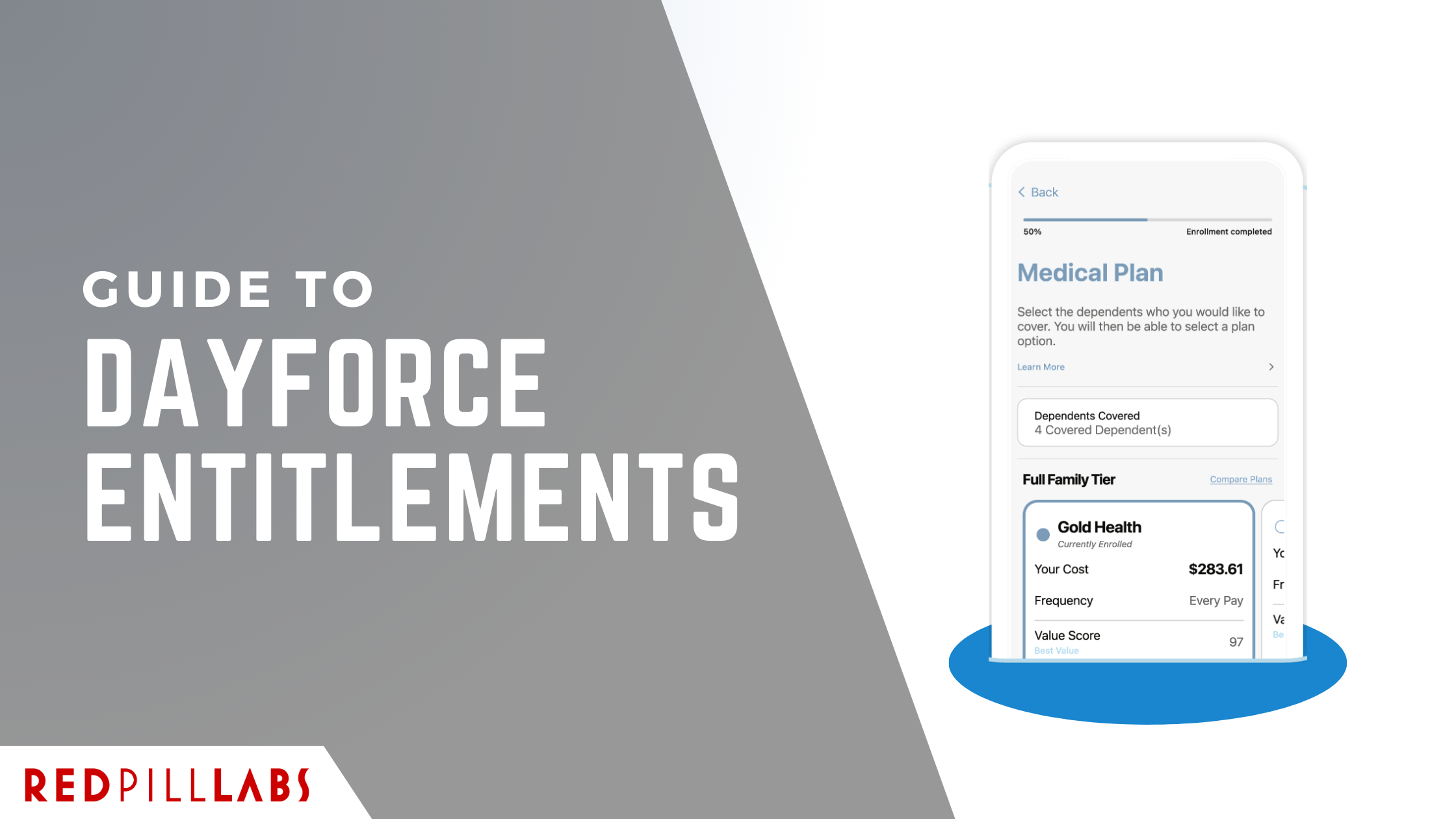
This guide breaks down the essentials of Dayforce entitlements—what they are, how they work, and the best practices to keep your organization running smoothly. Whether you’re setting up Dayforce for the first time or looking to fine-tune existing policies, you’ll walk away with a clearer roadmap for making entitlements work for both your business and your people.
All Dayforce Articles
A successful Dayforce Talent implementation goes beyond simply turning on modules. From Performance and Learning to Succession, Compensation, and Career Explorer, discover the common implementation gaps that can limit adoption and long-term value. This guide breaks down what organizations should consider to build a connected Talent ecosystem that delivers value across the entire employee lifecycle.

A practical guide to Dayforce Benefits: plan configuration, eligibility rules, enrollment, dependent verification, payroll integration, and carrier exports.
Dayforce has officially set a date for the retirement of the Dayforce Home feature.
All organizations not yet on Hub, need to promptly review readiness for the upcoming transition.
Dayforce Talent can be one of the most powerful parts of your HCM stack, or one of the most underused. This guide breaks down what the Dayforce Talent module actually does, where organizations commonly struggle, and how to unlock real value beyond basic configuration. If recruiting, performance, or development feels harder than it should, this is a good place to start.
As the 2025 U.S. tax bill reshapes payroll compliance, many organizations are realizing that even small configuration gaps can cause big downstream errors. From reconfiguring tax-withholding logic and overtime exclusions to verifying complex pay-code eligibility across tipped and multi-state employees, every adjustment matters. Staying compliant — and audit-ready — will depend on how effectively your Dayforce setup adapts to these new federal changes.
This guide breaks down the essentials of Dayforce entitlements—what they are, how they work, and the best practices to keep your organization running smoothly. Whether you’re setting up Dayforce for the first time or looking to fine-tune existing policies, you’ll walk away with a clearer roadmap for making entitlements work for both your business and your people.
Struggling to get the reports you need out of Dayforce? Whether you're trying to pull simple data or build powerful custom analytics, this guide breaks down exactly what types of reports are available—and how to use them effectively. Plus, learn when it's time to call in expert support for more complex reporting needs.
Dayforce Co-Pilot is evolving — not just with new features, but with a shift in how users interact with the platform. These updates aim to reduce manual work, provide real-time guidance, and make everyday tasks feel less like troubleshooting. In this article, we break down what’s changing, what it actually means for users, and where the improvements will be most noticeable.
Maintaining your Dayforce environment isn’t just about keeping the lights on—it’s about making sure your system evolves with your business. From smarter permissions to better data hygiene and continuous training, small changes can lead to major gains. These 6 tips will help you avoid costly mistakes, streamline operations, and get the most out of your investment.
Unlocking the full power of Dayforce People Analytics isn't just about running reports—it's about making smarter, faster business decisions. When properly configured and embedded into daily operations, it gives leaders real-time visibility into workforce trends, risks, and opportunities. In this guide, we’ll show you how to use Dayforce People Analytics to move from passive data collection to active, strategic decision-making.
Explore six practical ways to leverage Dayforce Integration Studio to streamline operations, reduce manual tasks, and improve data accuracy across systems. Discover how organizations use these capabilities to enhance efficiency and build smarter, more connected workflows.
Looking to streamline your Dayforce integrations without deep coding knowledge? This guide to Dayforce Integration Studio covers the value of Integration Studio and best practices.
Key Information in This Article Includes:
Dayforce Classic Home Sunset Date
What is Dayforce Experience Hub
Key Features of Advanced Experience Hub
Key Functionalities Across Dayforce Modules
Dayforce Co-Pilot Requirement
Get Ready for Dayforce Hub
Struggling to keep track of open roles, workforce planning, and compliance? Dayforce Position Management is a feature within Dayforce HCM that helps organizations structure, track, and manage job positions separately from individual employees, improving workforce planning, budgeting, and compliance. Learn how this powerful feature can improve workforce strategy and make managing positions easier than ever.
Key Information in This Article Includes:
What is Dayforce Copilot
Key Capabilities of Dayforce Copilot
Setting Up Dayforce Copilot
Ensuring Proper Setup and Maintenance
Actionable Steps for Businesses